Retail · Grocery & convenience
Scan it, price it, out the door
A barcode field that is always focused, SKU-level stock at every branch, and a payment panel that works out the change while the queue is still moving.
Sound familiar?
A price on the shelf that does not match the price at the till
Stock counts that are a fortnight out of date by the time you read them
No idea which lines are actually earning their shelf space
What you get on day one
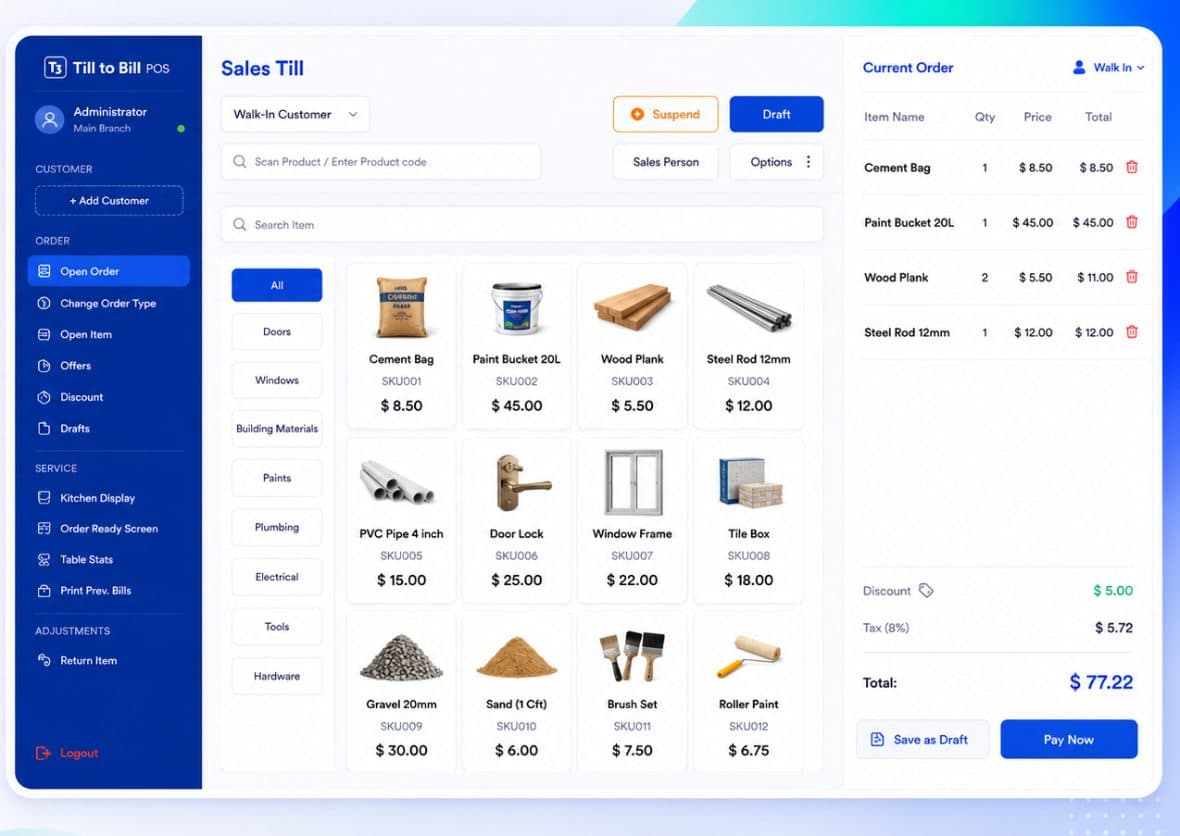
Scan or type the code
The till opens with the product-code field ready. Scan a barcode, type a SKU, or search by name if the label has come off.
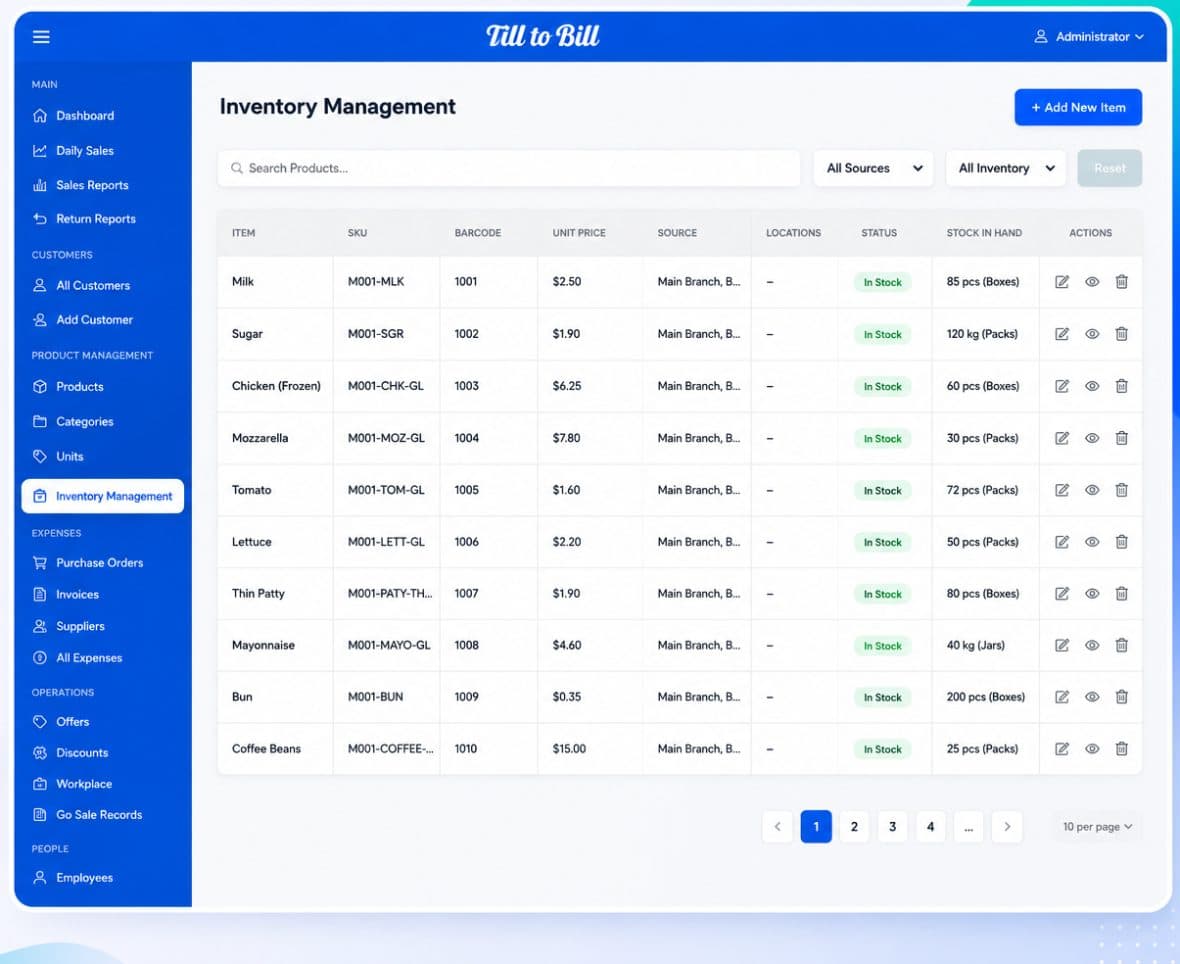
SKU and barcode on every line
Stock carries SKU, barcode, unit price, unit of measure and the branch it sits in.
Suspend and draft
Park a basket when a customer goes back for the thing they forgot, and serve the next person without losing it.
Walk-in or saved customer
Sell to a walk-in by default, or attach a saved customer for account trade in one tap.
Offers and discounts
Defined once in the back office and applied at the till, so the same offer means the same thing on every shift.
Tax on the order
Tax is calculated on the order rather than baked into the price, which keeps your returns clean.
One price file, every branch
Change a price in the back office and it lands on every till at that branch. Import your product file from a spreadsheet or a supplier list and you are trading the same day.
- Import products in bulk, export the catalog back out
- Stock and prices held per branch
- Status filters for in stock and out of stock
1
field to scan or type into
0
price files kept in a spreadsheet
4
audited loss paths
The stocktake takes an evening instead of a weekend, and I can finally see which lines are worth the shelf.
Questions we get asked
See it on your own menu
Send your menu across and we will build it into a live demo till before the call.