
Hospitality · Hotel
Every outlet in the property, one back office
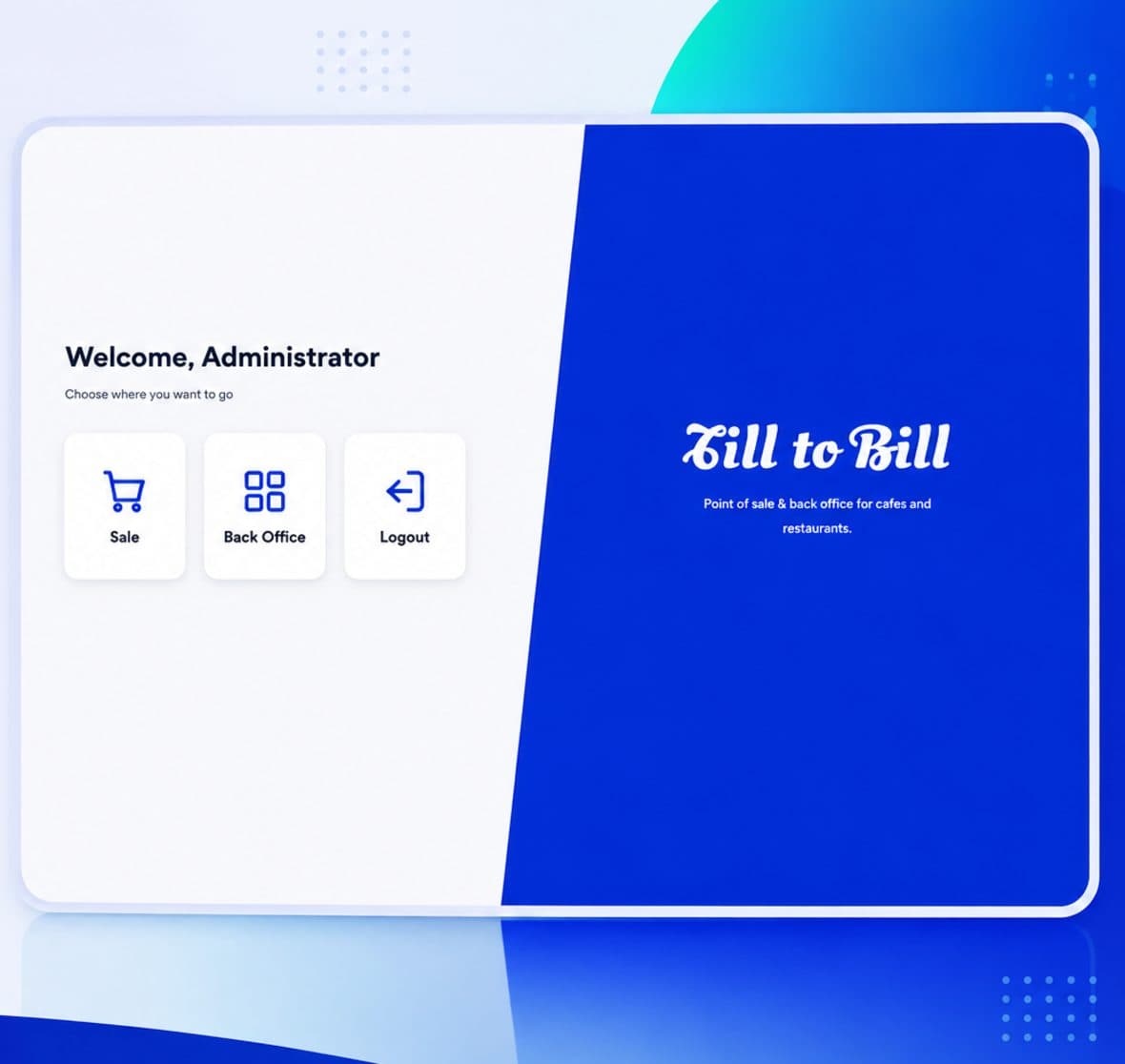
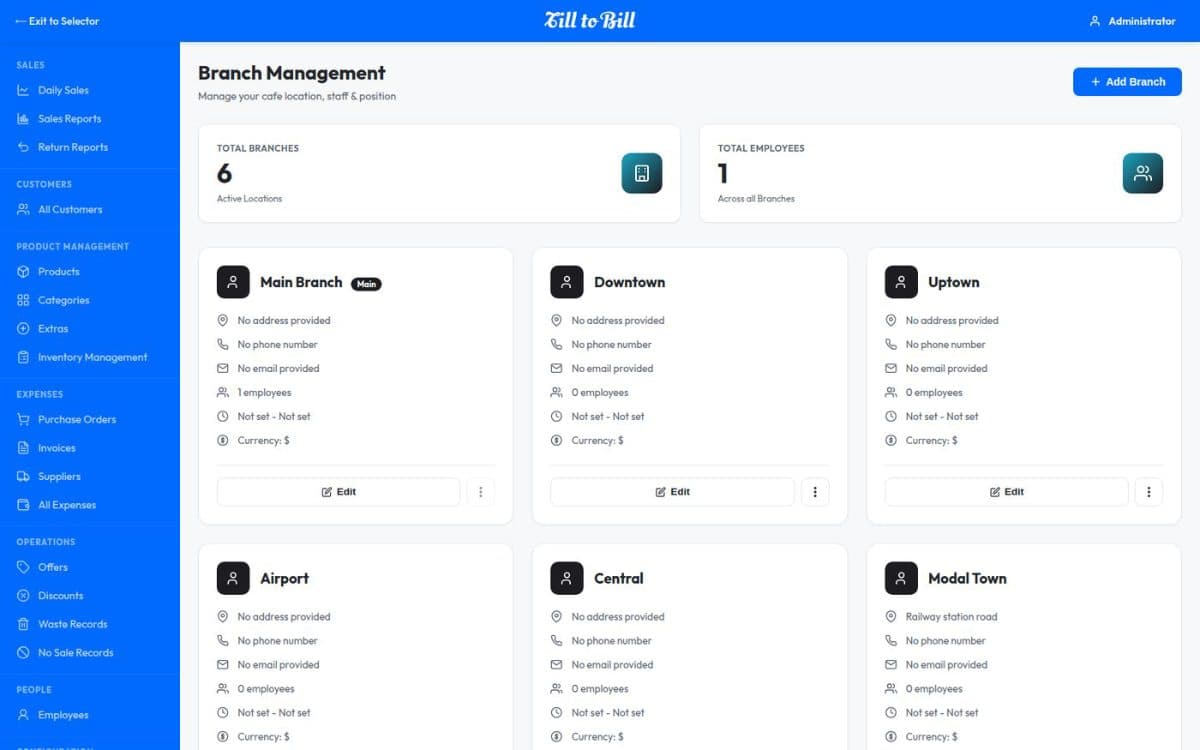
The lobby bar, the restaurant and the terrace each run as their own branch with their own stock, staff and figures — and the property reports as one.
Sound familiar?
The bar and the restaurant reporting as one blurred number
Stock counted per outlet in three different notebooks
Staff who work two outlets needing two sets of logins
What you get on day one
An outlet is a branch
Each outlet holds its own stock, its own employees and its own reporting, so the terrace does not eat the restaurant’s numbers.
One catalog, many outlets
Products and categories defined once for the property, with availability and stock managed at each outlet.
Staff across outlets
Employees are assigned to the branches they work, with one PIN and role permissions that follow them.
Table plan per outlet
Draw the restaurant floor and the terrace separately, each with its own tables and capacities.
Order types on every till
Dine-in, take away, delivery and table orders, so a room-service order is recorded as its own type.
Consolidated or per-outlet reports
Sales, return and daily reports run for one outlet or for the whole property from the same filter.
A guest directory the whole property shares
Customers are held on the account rather than the till, so a regular recognised in the bar is the same record in the restaurant. Attach a saved customer to an order in one tap, or sell to a walk-in and move on.
- Customer directory shared across every outlet
- Sales attributed to the member of staff who served them
- Your brand across the till and the back office
4
outlets on one account
1
catalog for the property
1
end-of-day across every outlet
Each outlet finally has its own numbers, and I can still see the property as a whole in one report.
Questions we get asked
See it on your own menu
Send your menu across and we will build it into a live demo till before the call.