
Management
A four-digit PIN, and the right doors open
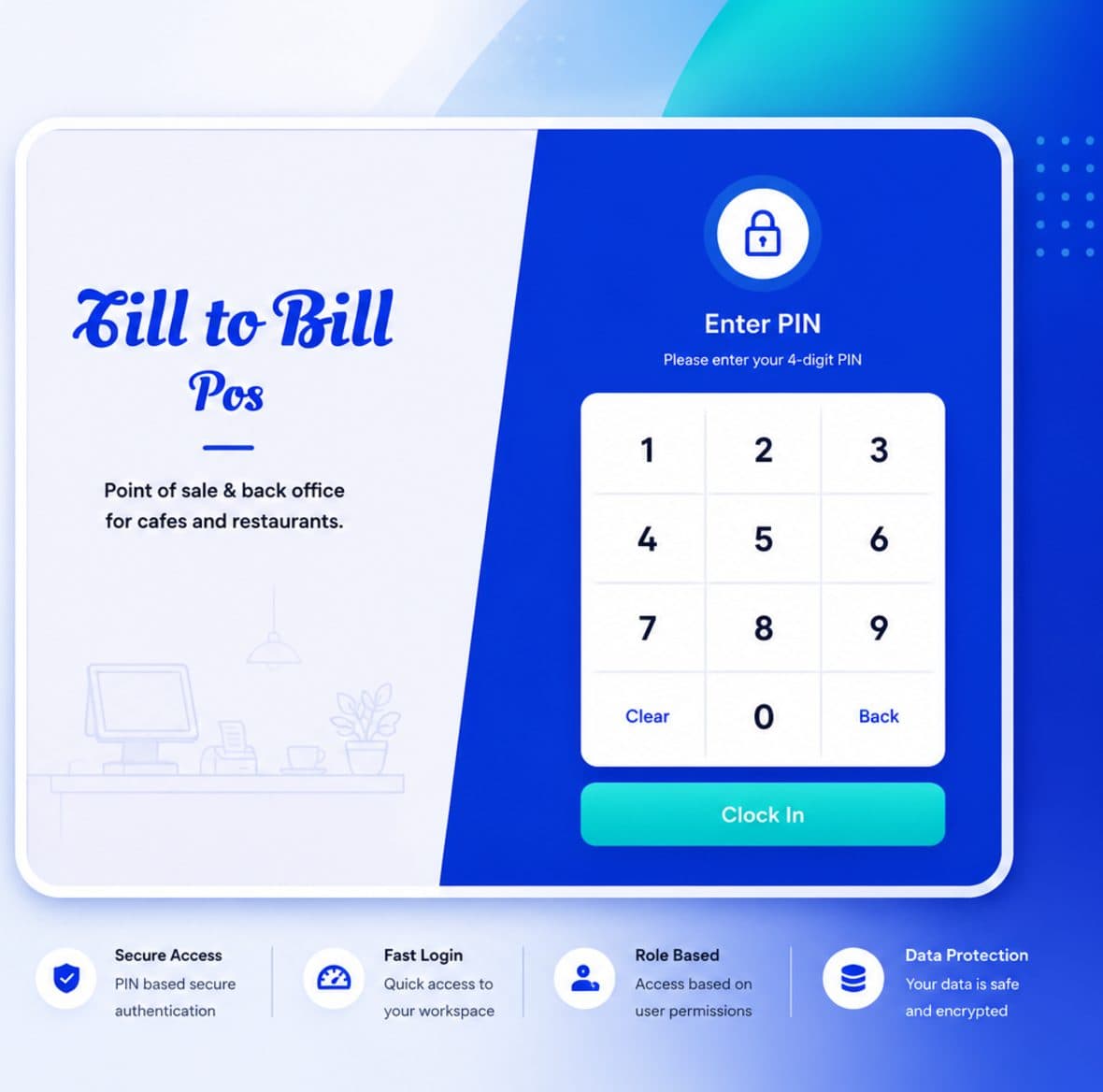
Staff sign in with a PIN on a shared till. Roles decide who reaches the back office, who can refund, and who never sees a report.
How it works
Sign in with a PIN
A numeric keypad with Clear and Back. No usernames or passwords on a shared screen.
Land on the right screen
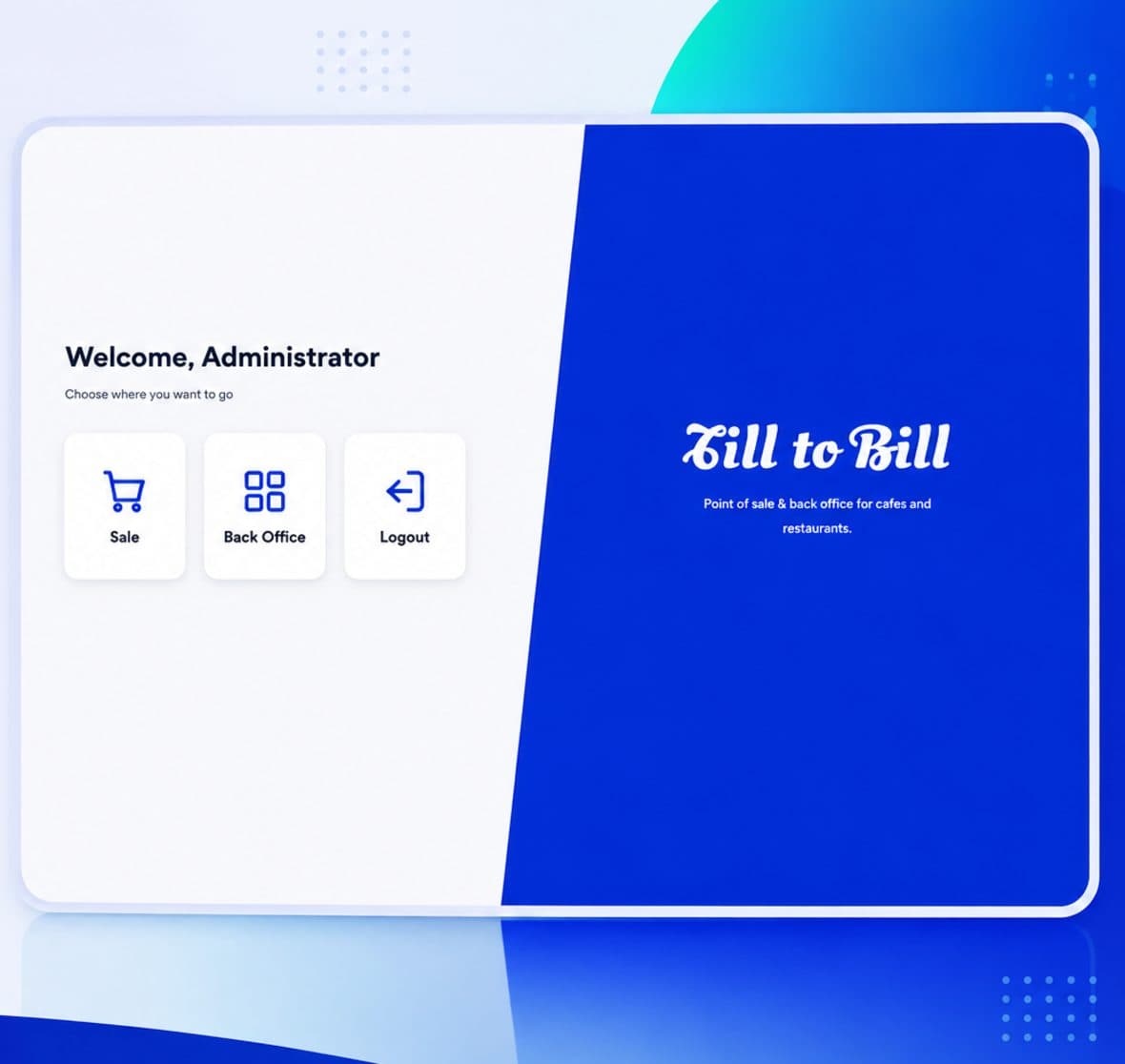
The selector offers Sale, Back Office or Logout depending on the role.
Everything is attributed
The sale, the void and the refund all carry the name of whoever was signed in.
What is included
PIN access
Four-digit passcodes, hashed and salted, matched against the employee record rather than a web login.
Back office gating
Back-office access is a separate permission from till access, set per role.
Inactive staff blocked
A leaver is deactivated once and is stopped at the login screen with a clear message.
Branch management
Employees, stock and reporting all belong to a branch, with a branch filter across the back office.
One employee record, every branch
Add a member of staff once, assign them to the branches they work, and their sales, refunds and voids report per branch and per person.
- Roles decide till and back-office access
- Staff assigned to one or many branches
- Every override attributed to a person
Questions we get asked
See it on your own menu
Send your menu across and we will build it into a live demo till before the call.