
Hospitality · Multi location
One menu, every venue, its own numbers
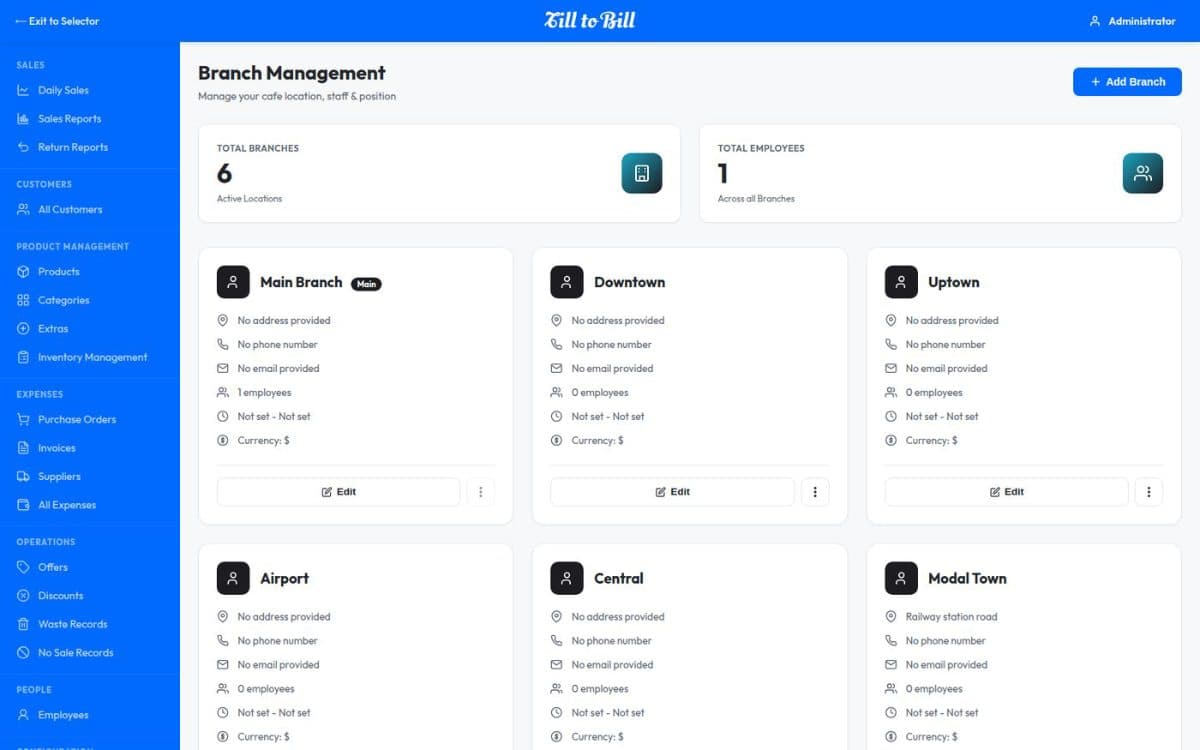
Products and categories defined once for the group, with stock, employees and reporting held per branch — so a filter is all it takes to go from one venue to the whole estate.
Sound familiar?
A price change typed in separately at twelve venues
Every site reporting in a slightly different spreadsheet
No way to tell a bad week from a bad venue
What you get on day one
One catalog for the group
Menus, categories and prices defined once on the account, so the same dish means the same thing at every venue.
Stock per branch
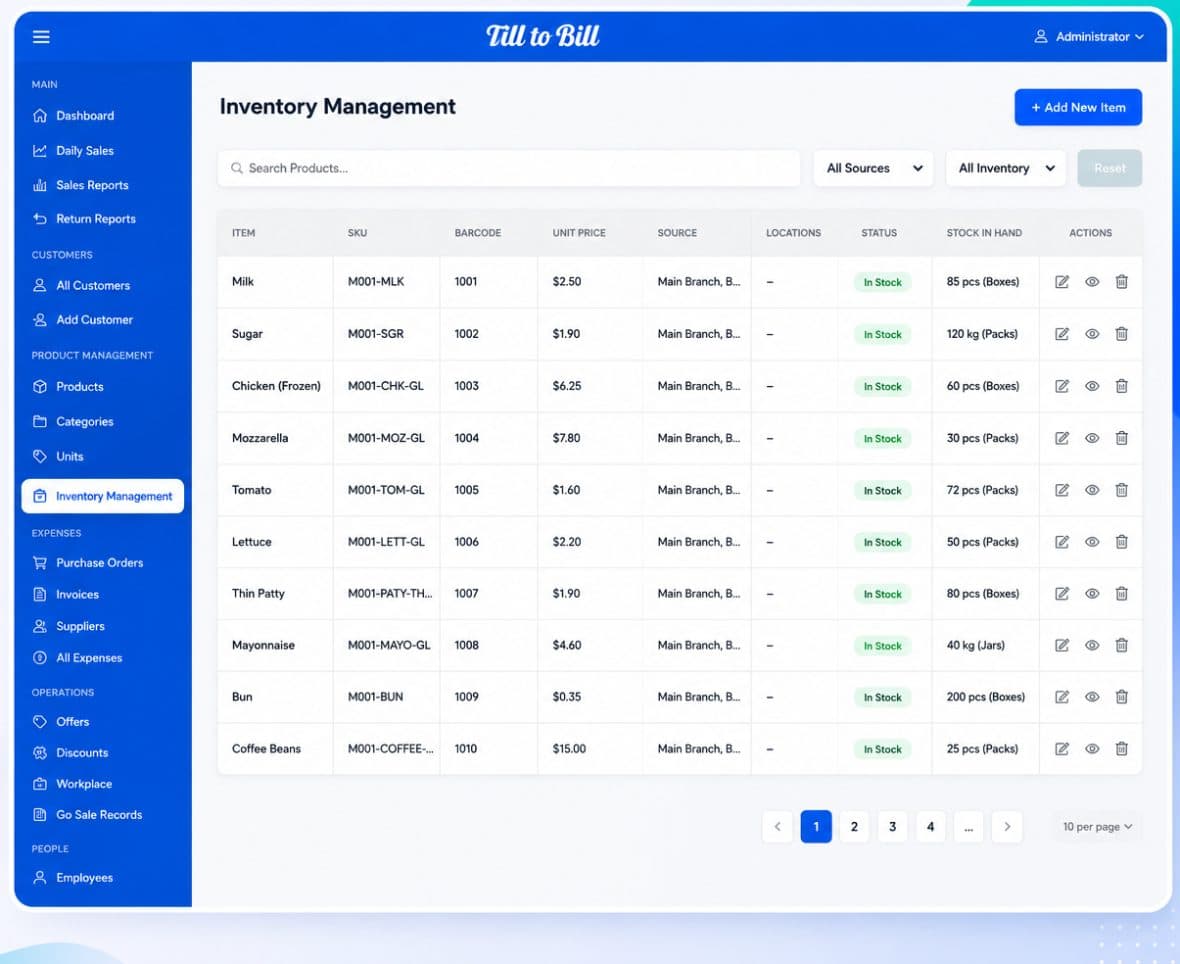
The same ingredient held at twelve venues, counted and filtered separately, so the number you see is the number in that kitchen.
Employees per branch
Staff assigned to the venues they work, one PIN each, with role permissions that follow them.
Branch filter everywhere
Inventory, suppliers, purchase orders, sales and returns all filter by venue from the same control.
Consolidated or per-venue reports
Sales, return and daily reports run for one venue or across the estate, from the same screen.
Multi-language and white-label
A mixed team gets the till in their own language, and the whole thing carries your brand rather than ours.
Open a venue without an implementation project
Add the branch, assign the staff, load the opening stock. The menu and the permissions are already there, because they belong to the account rather than the till.
- Add a venue without rebuilding the menu
- Scheduled backup of the whole account
- Remote support without a site visit
12
venues on one account
1
menu across the estate
1 day
to bring a new venue live
One menu, twelve venues, and each one still has its own honest set of numbers.
Questions we get asked
See it on your own menu
Send your menu across and we will build it into a live demo till before the call.