
Ordering & service
Every sale attached to a table and a service type
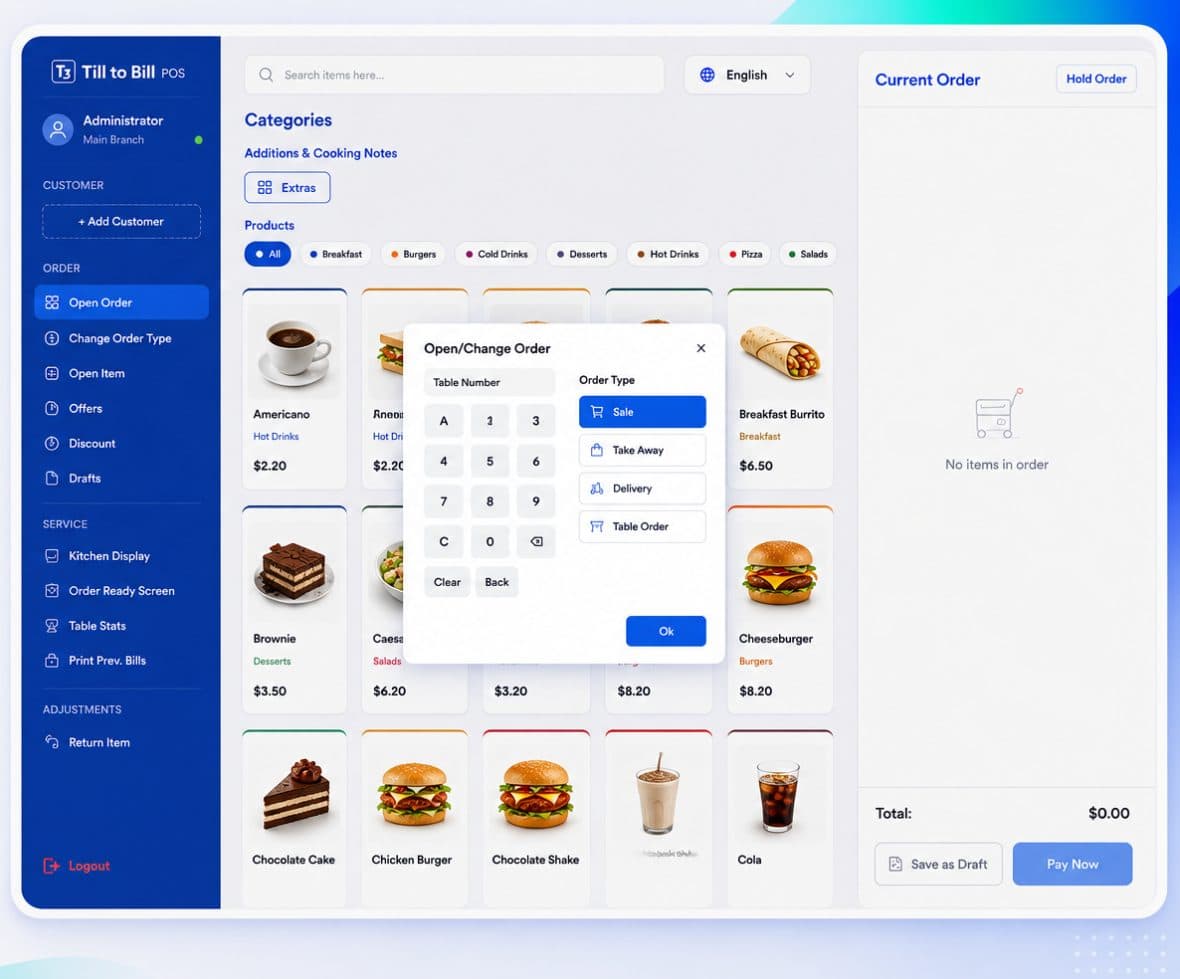
An order is opened before anything is rung in, with a type and a table. That one step is what makes table stats, per-type reporting and kitchen routing possible.
How it works
Open the order
Pick Table, Take Out or Delivery. The till will not take items until it knows which.
Assign the table
On-screen keypad (A–D, 0–9), a pick from the floor plan, or free text like "Patio".
Serve and close
Change the type mid-order if the guest changes their mind, then close it out.
What is included
Three order types
Eat in, take out and delivery, each reported separately and each routed to the kitchen with its type on the ticket.
Floor plan or keypad
Assign a table by tapping the plan or typing the number. Custom names are allowed for the odd spot that is not on the plan.
Drafts
Park an order and recall it later. Useful when a table is not ready to commit and the queue is not waiting.
Open Item
Ring in a custom-price line for something that is not in the catalog without breaking the reporting.
Table stats you can trust
Because every sale carries a table and a type, table turnover, average spend per table and split by service mode all come out of the data without anybody keeping a tally.
- Table stats from the till rail
- Order type changeable mid-order
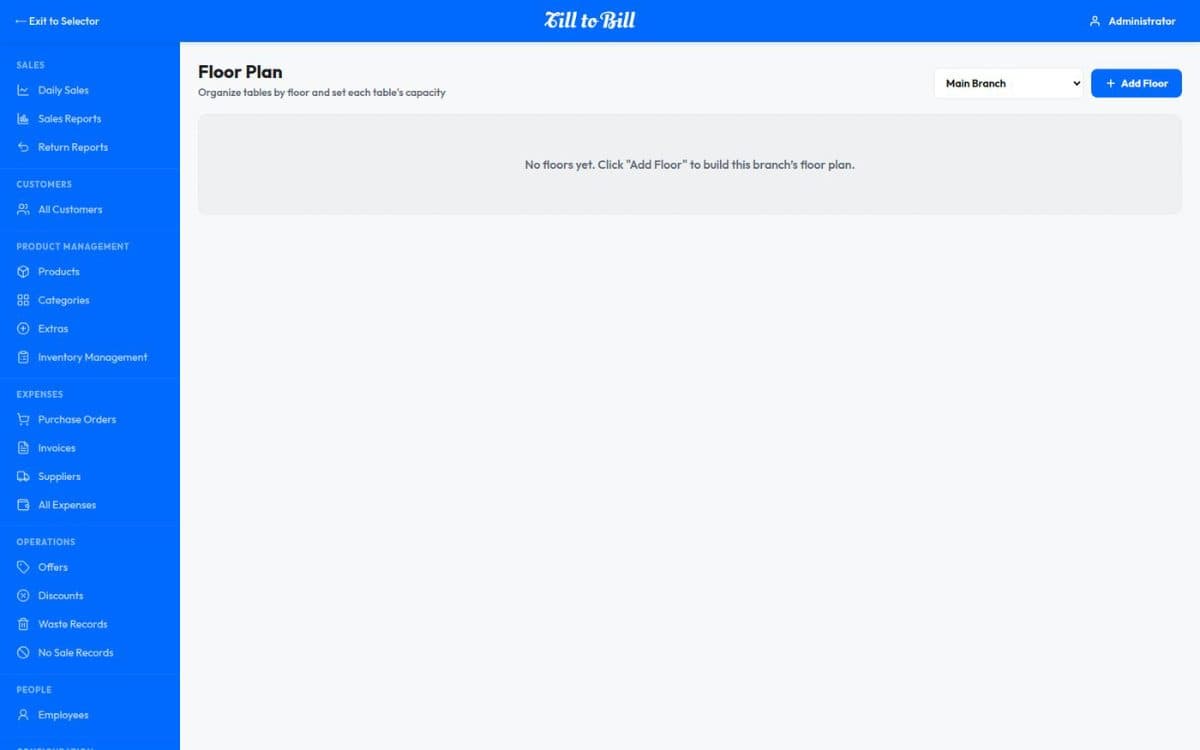
- Floor plan managed in the back office
Questions we get asked
See it on your own menu
Send your menu across and we will build it into a live demo till before the call.