
Ordering & service
Every modifier caught before the line is created
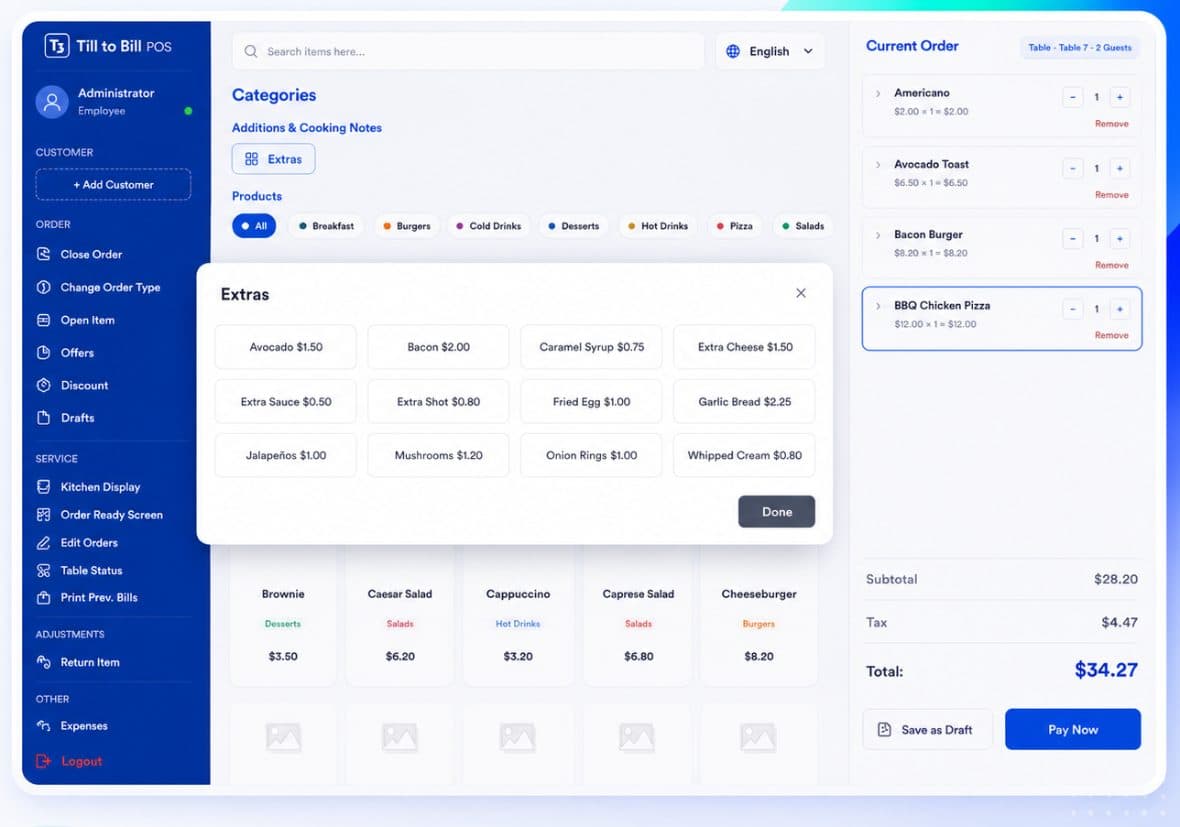
Adding a product opens a Customize Order dialog: required ingredients, size, sugar, spice, temperature, extras and a kitchen instruction — before the item ever reaches the ticket.
How it works
Pick the product
The customisation dialog opens automatically instead of adding a bare line.
Choose ingredients
Required choices are marked, and Add to Order stays disabled until they are made.
Add extras and notes
Centrally managed extras applied per line, plus a free-text kitchen instruction.
What is included
Required ingredients
Mark a choice as required and the line cannot be added without it. No more guessing at the pass.
Size, sugar, spice, temp
Customisation groups you define once and reuse across the catalog.
Extras managed centrally
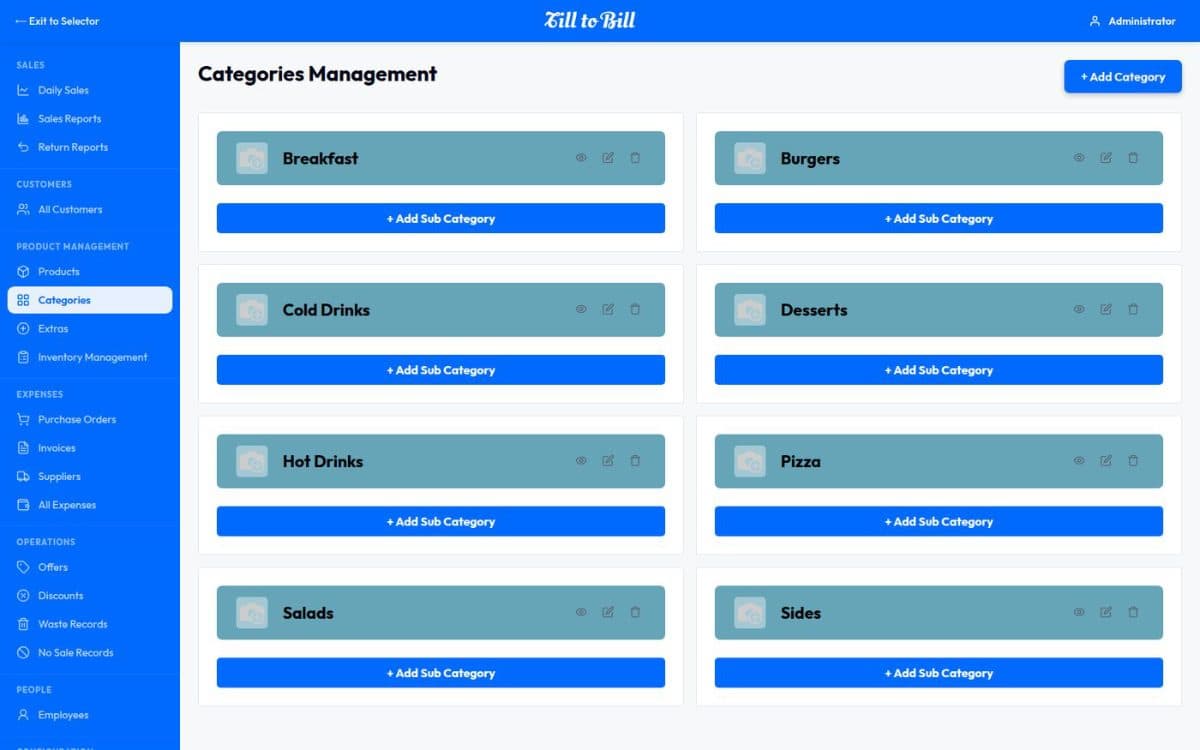
Add-ons live in the back office and are offered at the till, per line, with their own prices.
Kitchen instructions
No onions, less cheese, well done — attached to the line and printed on the ticket.
Ingredients are what link the till to your stock
Products are built from ingredients that carry stock per branch. Choosing them at the till is what makes a sale deplete the right stock in the right place.
- Ingredient choices drive stock depletion
- Extras priced and reported separately
- Make a group optional where speed matters more
Questions we get asked
See it on your own menu
Send your menu across and we will build it into a live demo till before the call.